How do i rent a BatteryHub battery?
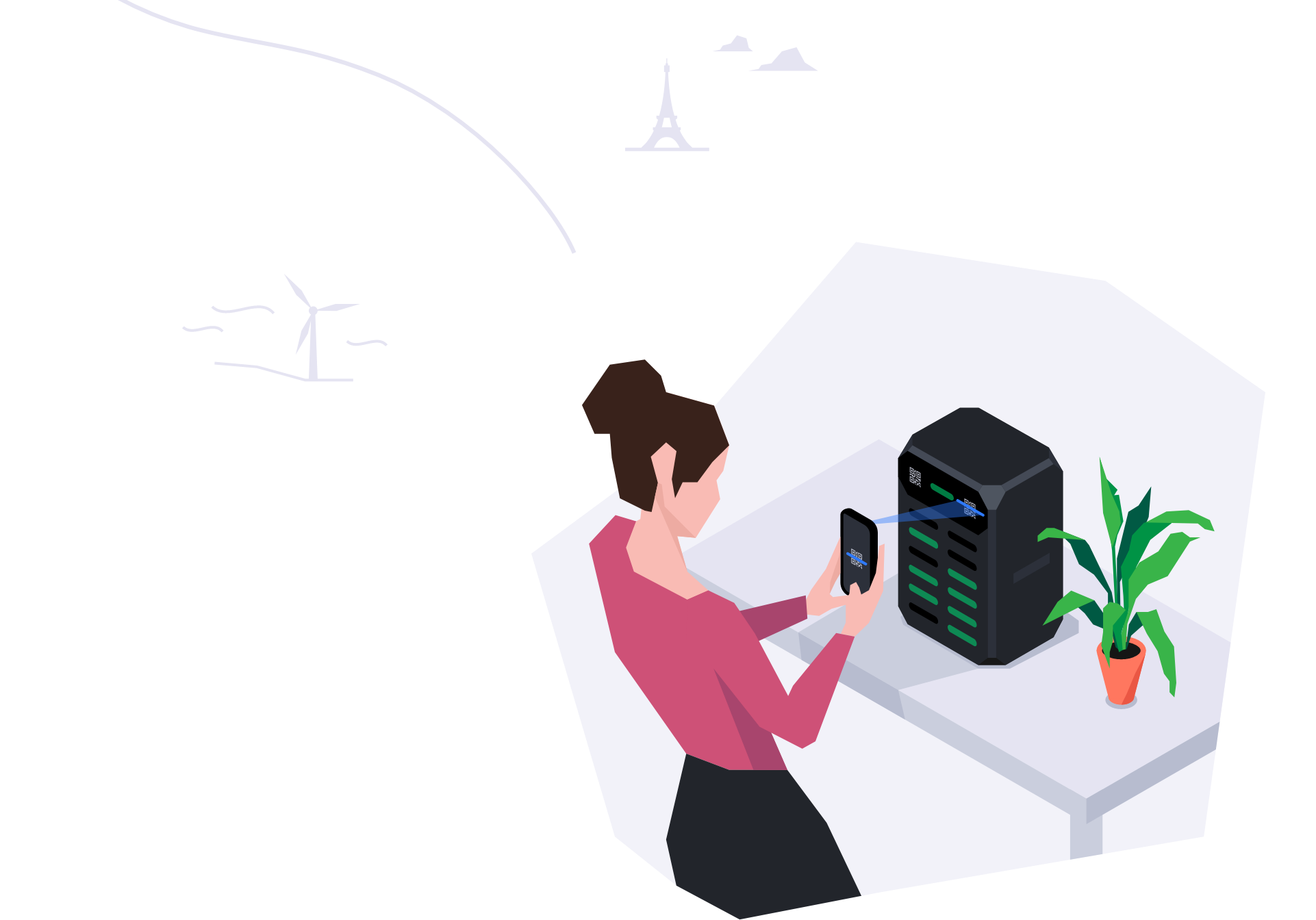
You must first download the BatteryHub app via the App store or Google Play store. First you have
to creat an account on the BatteryHub app. On the homescreen you can find an overview of all the
BatteryHub Stations close to you. You need to push on the ‘Scan station’-button to scan one of the
two QR codes on the front of the station. After following the instructions on the app, the battery
will be automatically released.
How do I use a BatteryHub battery?
A BatteryHub battery works in the same way as most traditional battery power banks. The difference
is that there are built-in cables and that our BatteryHub battery can charge wirelessly.. Every
BatteryHub battery is equiped with an USB C, Micro USB and a lightening cable. So You do not need
to have your own cable.
How can I check the charge level of the battery?
On the front of the battery you can find 3 blue LED lights. You can determine the charge level of
the battery based on the 3 LED lights. The number of LED lights will be reduced, if the battery runs
out of power.
How am I charged for using a BatteryHub battery?
You willl be charged 95 cents per hour. You pay a maximum of 5 hours per calendar day. After 7
days, the BatteryHub battery will be considered yours and the payment stops automatically.
How do I return a BatteryHub battery?
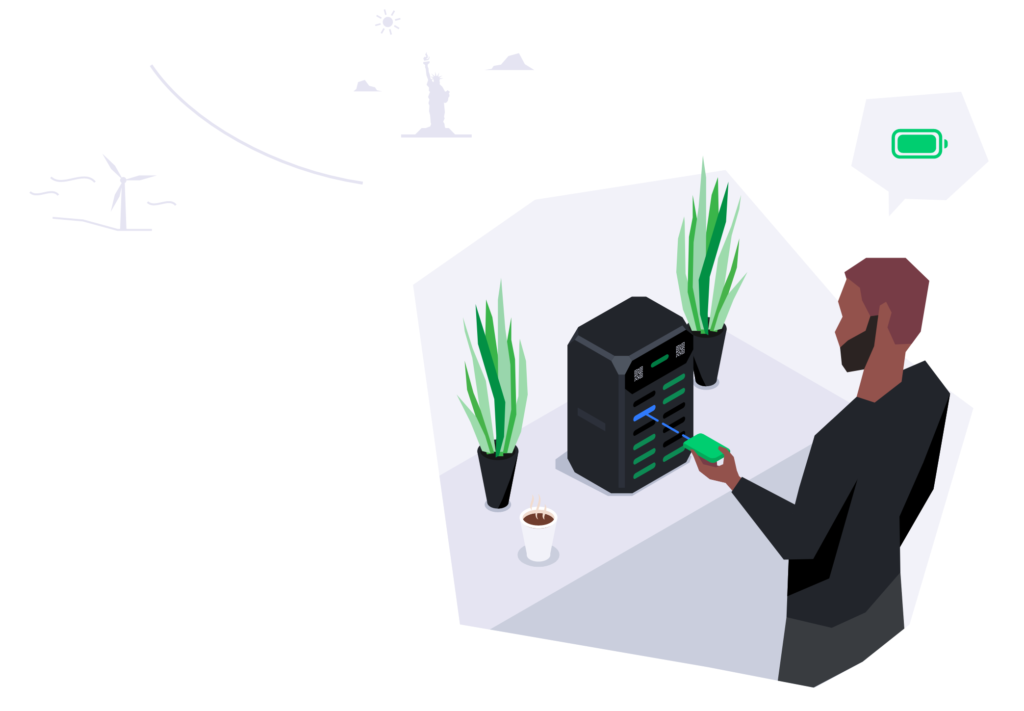
To return, you look for a BatteryHub Station with an empty slot. Simply put the cables back into
their place and insert the BatteryHub battery into an available slot. Make sure to push your Take
Charge battery untill you hear a click sound.
What happens if I don’t return, damage or lose a BatteryHub battery?
If you lose, damage or don’t return the BatteryHub battery, the maximum charge of 33,25EUR will be
charged after seven days if the BatteryHub battery is not returned.
What happens if I lose the BatteryHub battery?
If you lose the battery you will be charged 33,25 euro. You will effectively purchase the battery
that you misplaced. If you want more information about this, please speak to a member of the team
via the in-app customer support
My BatteryHub battery does not charge my device, what do I do?
First, make sure your BatteryHub battery is switched on by pushing on the the button on the side
of the BatteryHub battery (you will see the blue LED lights turn on). Then make sure that the
cables are connected properly to your mobile device. It is advisable to take off thick phone/device
cases to allow the charger fit perfectly into your device. If it still fails to charge your phone
then please report this problem in our in-app customer support.
What happens if I can’t return a battery?
During the period of time a BatteryHub battery is not returned, the countdown continues with a
maximal daily charge of 4,75 EUR and a maximum of 7 days.
What happens if there are no batteries available at the BatteryHub station?
If there are no batteries available at a BatteryHub Station, check on the map which BatteryHub
Station are nearby.
How many times can a BatteryHub battery charge up my phone?
A BatteryHub battery holds 5000mAh of charge. Depending on which phone model you have you should
be able to get up to 2 full charges.
Can a BatteryHub battery charge my other devices?
A BatteryHub battery can charge any device which uses the following cable: Lightning (iPhone,
iPad, iPod), Micro USB (Android Phones, Cameras, GoPro, Wireless Headphones etc) or USB-C (Newer
Android devices).
How many times can a BatteryHub battery charge up my phone?
A BatteryHub battery contains 5000mAh. Depending on which device, a BatteryHub battery is able to
provide 2 full charges on average.
Can a BatteryHub battery charge other devices?
A BatteryHub battery can charge any device which uses the following cable: Lightning (iPhone,
iPad, iPod), Micro USB (Android Phones, Cameras, GoPro, Wireless Headphones etc) or USB-C (Newer
Android devices, PC’s etc).
Can I charge my BatteryHub battery myself?
You can plug in a power adapter into the micro USB port on the side of the BatteryHub battery to
charge it.
How do I find a BatteryHub station?
BatteryHub stations can be found in a mix of venues in Belgium including Bars, Restaurants, Hotels
etc. An overview of all BatteryHub stations can be found on our app. Alternatively look out for our
BatteryHub stickers on the outside of participating venues or ask your venue!
How long does it take to fully charge my phone?
BatteryHub batteries have quick-charge technology built-in which allow most phones to be fully
charged in just over an hour on average.
What are the payment methods I can use on my BatteryHub app?
We accept different credit cards (Mastercard, VISA) and prepaid cards (as longs as there is enough
credit), we also accept Google Pay and Apple Pay.
Can I charge multipe devices at the same time with a BatteryHub battery?
The BatteryHub battery is able to charge multiple devices at the same time, but i twill increase
the charging time of your devices.
Are BatteryHub batteries waterproof?
Our BatteryHub batteries are splashproof, but they are not fully waterproof. If you dropped your
BatteryHub battery in water, please contact us immediately.
What happens if I rent a BatteryHub battery with no cables or damaged cables?
Report this problem using our in-app customer support (yellow triangle on the left of the ‘Scan
station’-button) following the instructions and return the BatteryHub battery.
Can I rent more than 1 BatteryHub battery at a time?
You can only rent 1 BatteryHub battery at a time. No worries ask your friend or another person to
download the BatteryHub app, to rent another BatteryHub battery !
How do I know for how long I rented a BatteryHub battery and how much it costed me?
In ‘My history’ in the BatteryHub app, you can find an overview of all the BatteryHub batteries
you rented with all the information you need.
What do I do if I rent a BatteryHub battery that isn’t fully charged?
The BatteryHub Station will never release a BatteryHub battery unless it is charged over 85%. If
a BatteryHub battery is released with insufficient charge, please contact us with our in-app
customer support.
What should I do if the BatteryHub app is not working?
First we invite you to close your BatteryHub app and to open it again. A hard reset is also
possible by deleting the BatteryHub app and by installing it again. If the BatteryHub app is still
not working, please contact us by e-mail (fengxpower@gmail.com).
When do I get charged for using a BatteryHub battery?
You will be charged on a daily basis during the period you rent a BatteryHub battery, and it will
stop automatically after 7 days.
How do I report any problem?
You can report any problem by using our in-app customer support (yellow triangle next to the ‘Scan
station’-button) or by sending an e-mail to fengxpower@gmail.com
What do I do if the BatteryHub Station I want to return my BatteryHub battery is full?
If the BatteryHub Station is full we invite you to look on our BatteryHub app which other Take
Charge Stations are nearby to drop your BatteryHub battery in a nearby BatteryHub Station.
Can I take a BatteryHub battery abroad?
Of course you can take a BatteryHub battery abroad !
How do I top up My wallet?
To top up your wallet, you have to go to ‘My wallet’ and click on ‘Add balance’. By following the
instructions you will be able to top up your wallet.
If I am issued a refund how long will it take?
After a refund has been approved, we expect you to have your refund within 8 working days.
What happens when my usage exceeds my wallet balance?
When the usage exceeds your currenct wallet balance the difference will be charged to the payment
method you registered on the BatteryHub app.
Will the money in my account ever expire?
No, the money will never expire from your account.